GEN2050 SUMMER 2026
SAVING FILES TO USB
How to copy your work to a USB flash drive in Windows — step by step
🎒 YOUR GEN2050 USB DRIVE
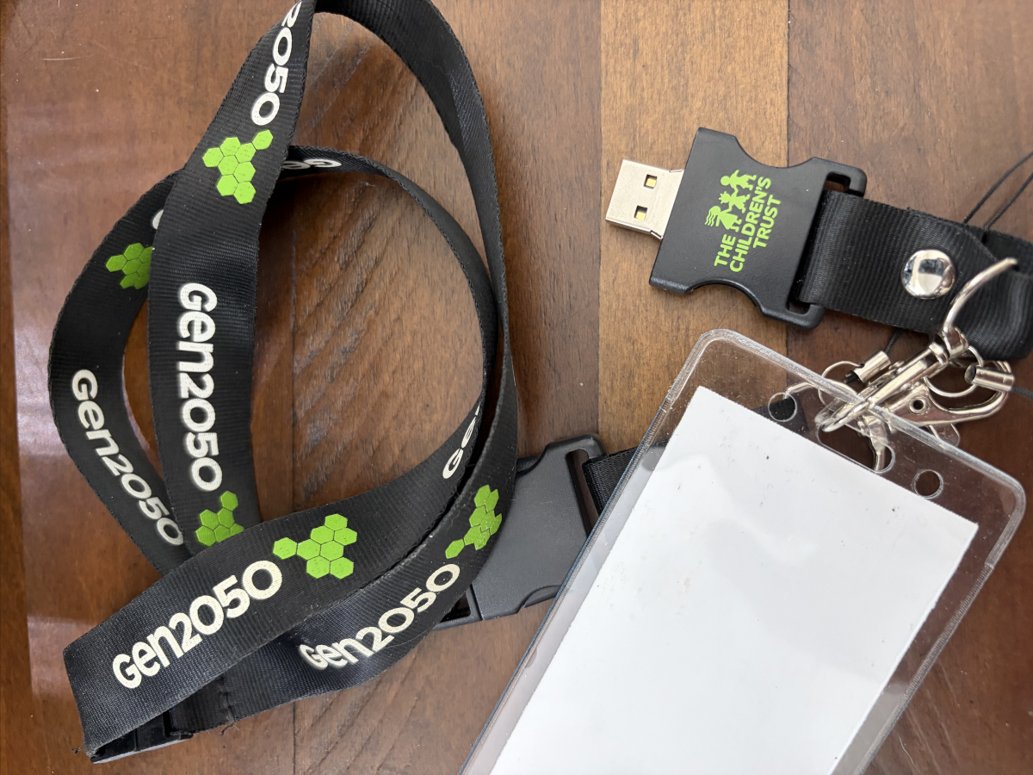
This is your GEN2050 USB flash drive — it's attached to your lanyard so you won't lose it! Let's learn how to save your camp projects onto it.
📁 STEP-BY-STEP GUIDE
⚡ THREE WAYS TO COPY FILES
🖱️ RIGHT-CLICK
Right-click the file → Copy
Go to USB → Right-click → Paste
⌨️ KEYBOARD
Ctrl+C to copy
Ctrl+V to paste
🖱️ DRAG & DROP
Open two windows side by side and drag files from one to the other
📤 SEND TO
Right-click file → Send to → pick your USB drive from the list